Could not open <file>:
Example:
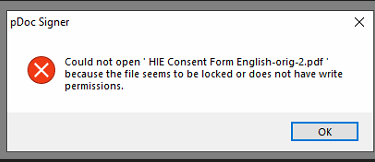
First, ensure no other programs have the file open (such as Adobe or Web Browsers).
If so, close the program that has it open and reopen w/ just pDoc Signer.
If not, then it means the file has a permission issue (such as the following example):
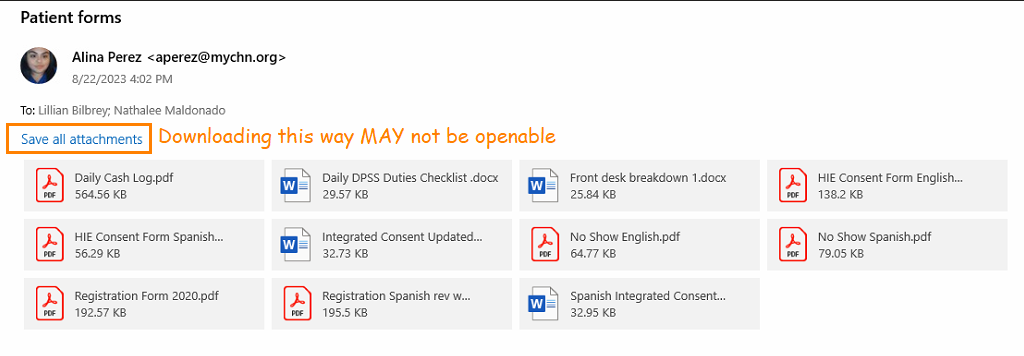
Opening any form from the email will not work:
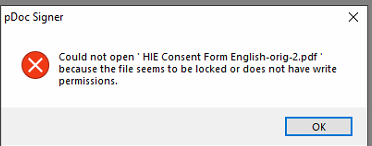
TO FIX THIS WE WILL NEED TO MAKE A COPY:
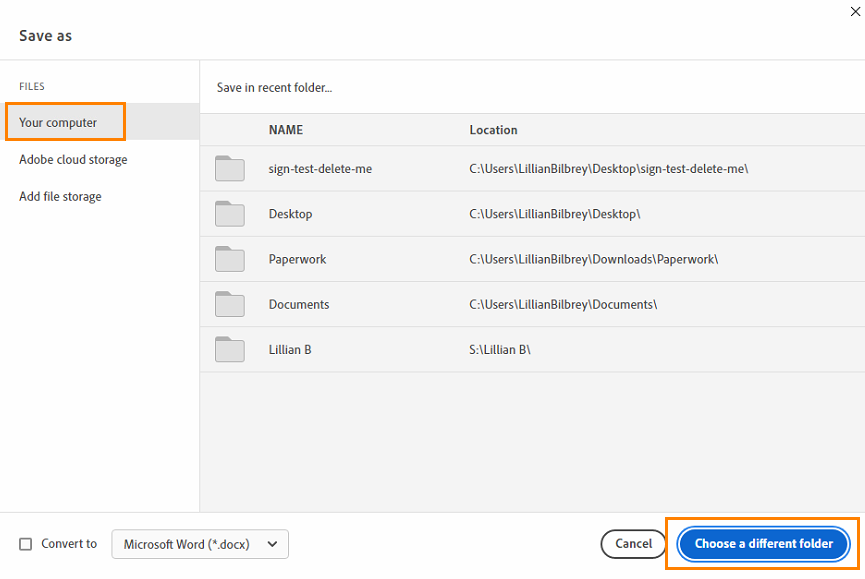
Open the desired PDF(s) in Adobe > Menu > Save As..
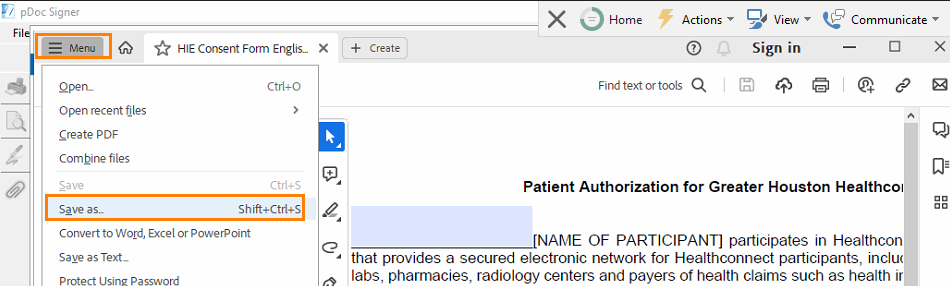
Choose a different folder:
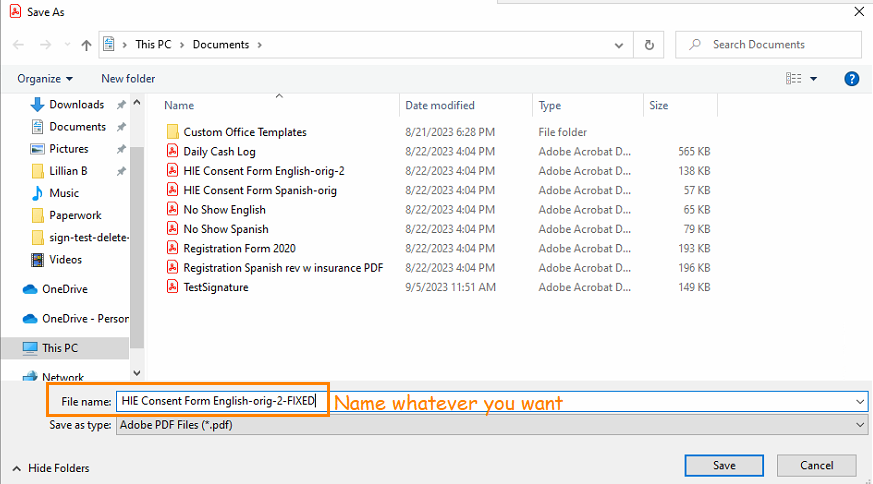
Make a new copy of the file w/ a new name:
Open new version of file w/ pDoc:
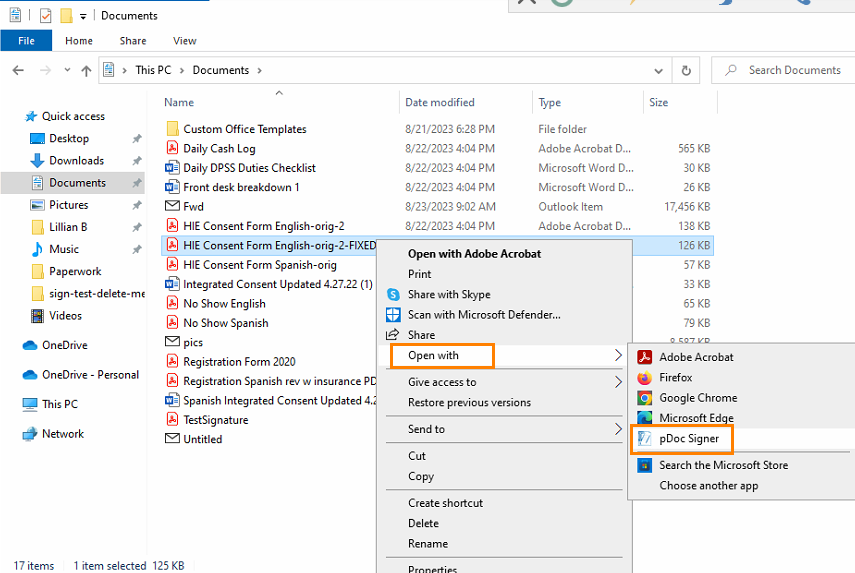
It should work now
Unable to find a signature device:
Issue:
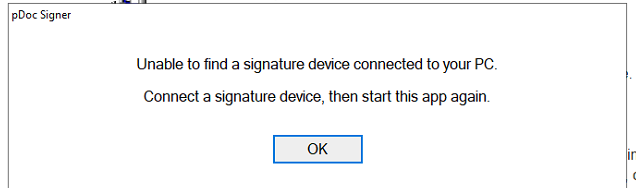
If you are certain the signature pad was working prior, follow the USB cable and ensure it firmly plugged in to the computer.
You will then need to close pDoc signer & reopen.
Computer doesn't have signature pad:
Have your manager send in a ticket requesting them to be installed for X computer.
We will need to order them & install it, Kim Perez can provide status updates if needed.
Deleting Signature:
From initial testing, there doesn't seem to be a straight forward way to delete a patient signature.
We recommend closing & reopening the template in this case.
Reach out to us if anyone finds a way & we'll revise this section.
Other Issues:
Feel free to submit a ticket & the right person(s) will examine it as soon as possible.
Thank you all for the continued patience.
Was this article helpful?
That’s Great!
Thank you for your feedback
Sorry! We couldn't be helpful
Thank you for your feedback
Feedback sent
We appreciate your effort and will try to fix the article