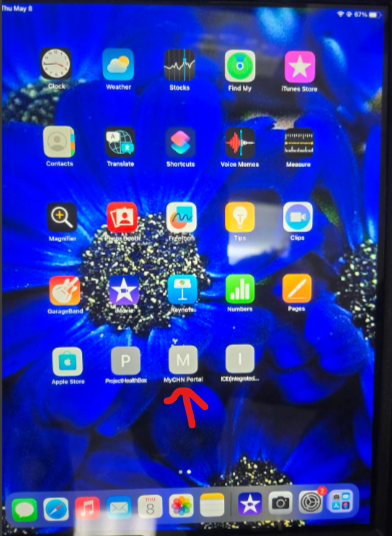
Navigate to the Patient Portal via URL or via Icon on home page (Submit IT request if this is not there)
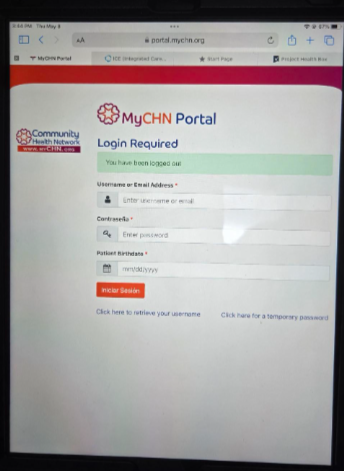
Patient will sign in with their credentials
Patient will click "Forms"
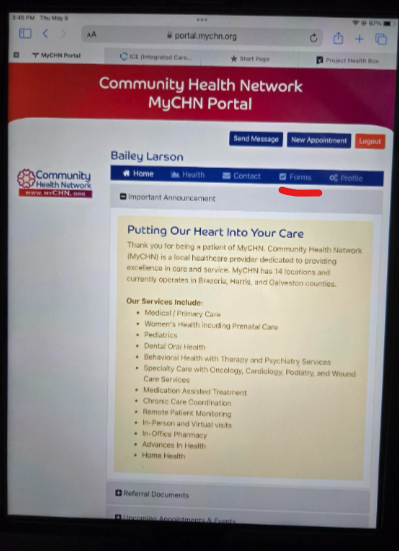
All needed forms show here
Automatically sent to ICE (Patients chart) when completed
Was this article helpful?
That’s Great!
Thank you for your feedback
Sorry! We couldn't be helpful
Thank you for your feedback
Feedback sent
We appreciate your effort and will try to fix the article