How to Request for Site Fire Drills and How to Initiate the Alarm
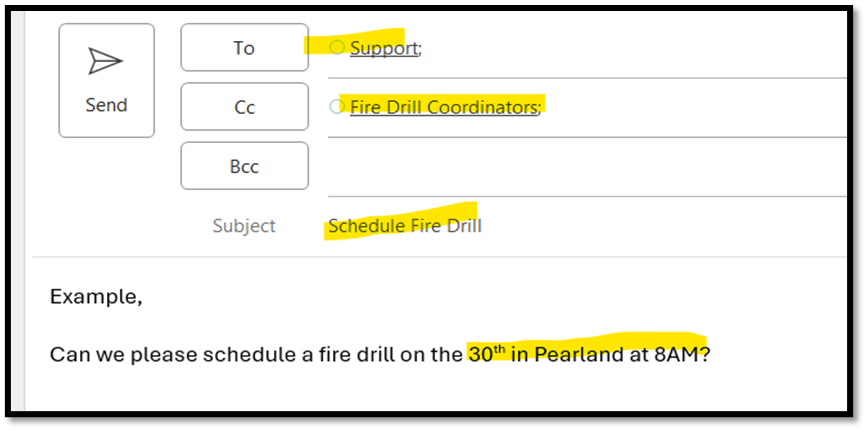
- To schedule a fire drill, email support@mychn.org and cc firedrillcoordiantors@mychn.org.
- In the ticket include site location, time, and day.
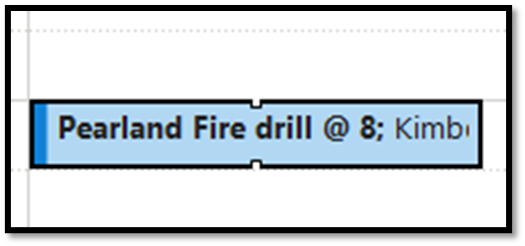
- IT will respond to the ticket once it has been successfully scheduled and IT will also send out an invite for the day and time of the scheduled fire drill to the requestor and to the firedrillcoordinator@mychn.org email.
- When ready to initiate the fire drill, press and HOLD down the fire button(s) for 3-5 seconds or until the alarm sound turns on.
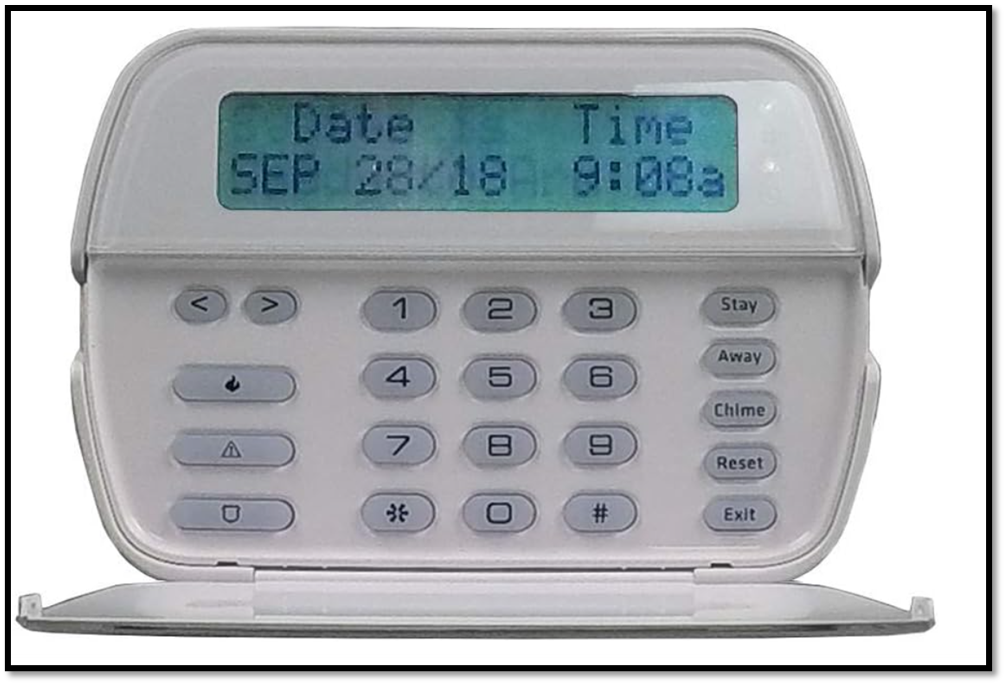
- Once the alarm goes on, proceed to evacuate the building. When the drill is complete, enter your 4-digit alarm code to turn off the alarm.
Was this article helpful?
That’s Great!
Thank you for your feedback
Sorry! We couldn't be helpful
Thank you for your feedback
Feedback sent
We appreciate your effort and will try to fix the article